

Markers
Tag key moments and jump back instantly while reviewing.
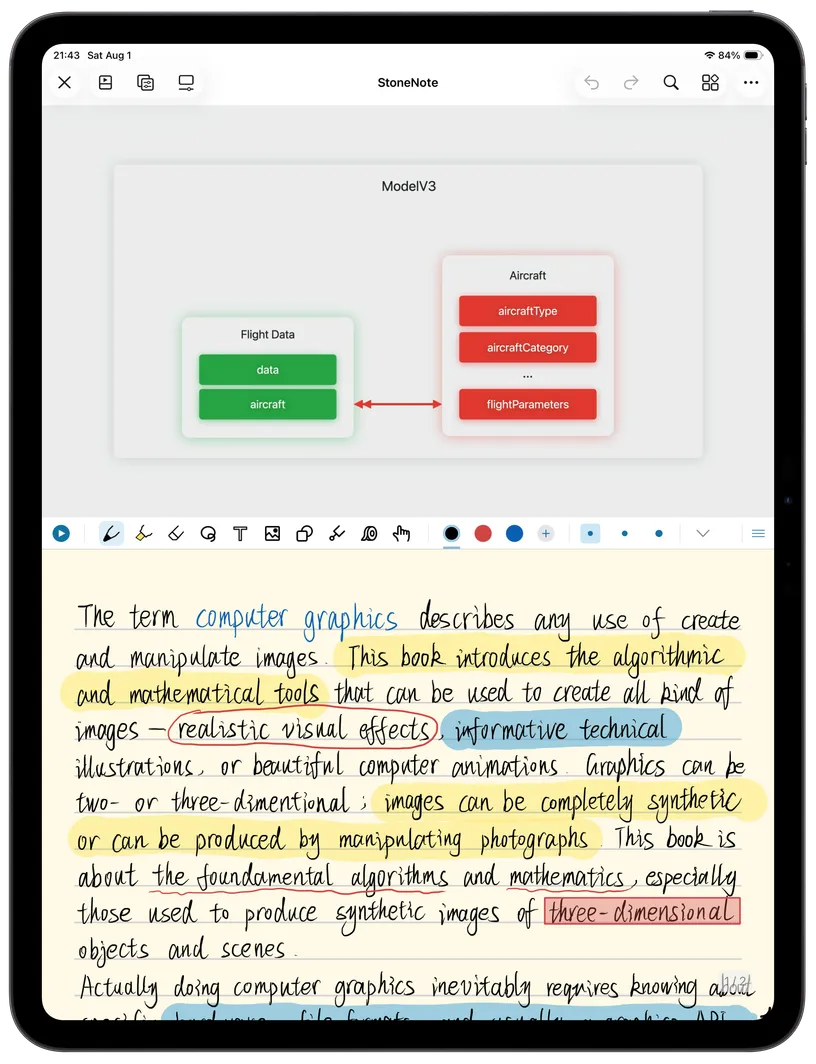
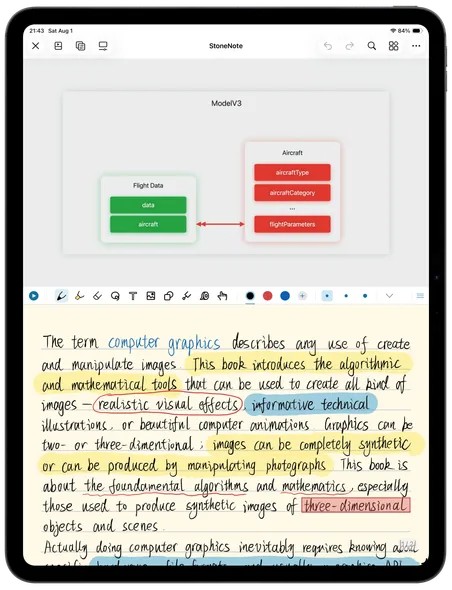
Keep video, screenshots, handwriting, and review together on one page.
Core experience
Built-in video player with automatic pause while you write. Multiple viewing modes to fit your study style.
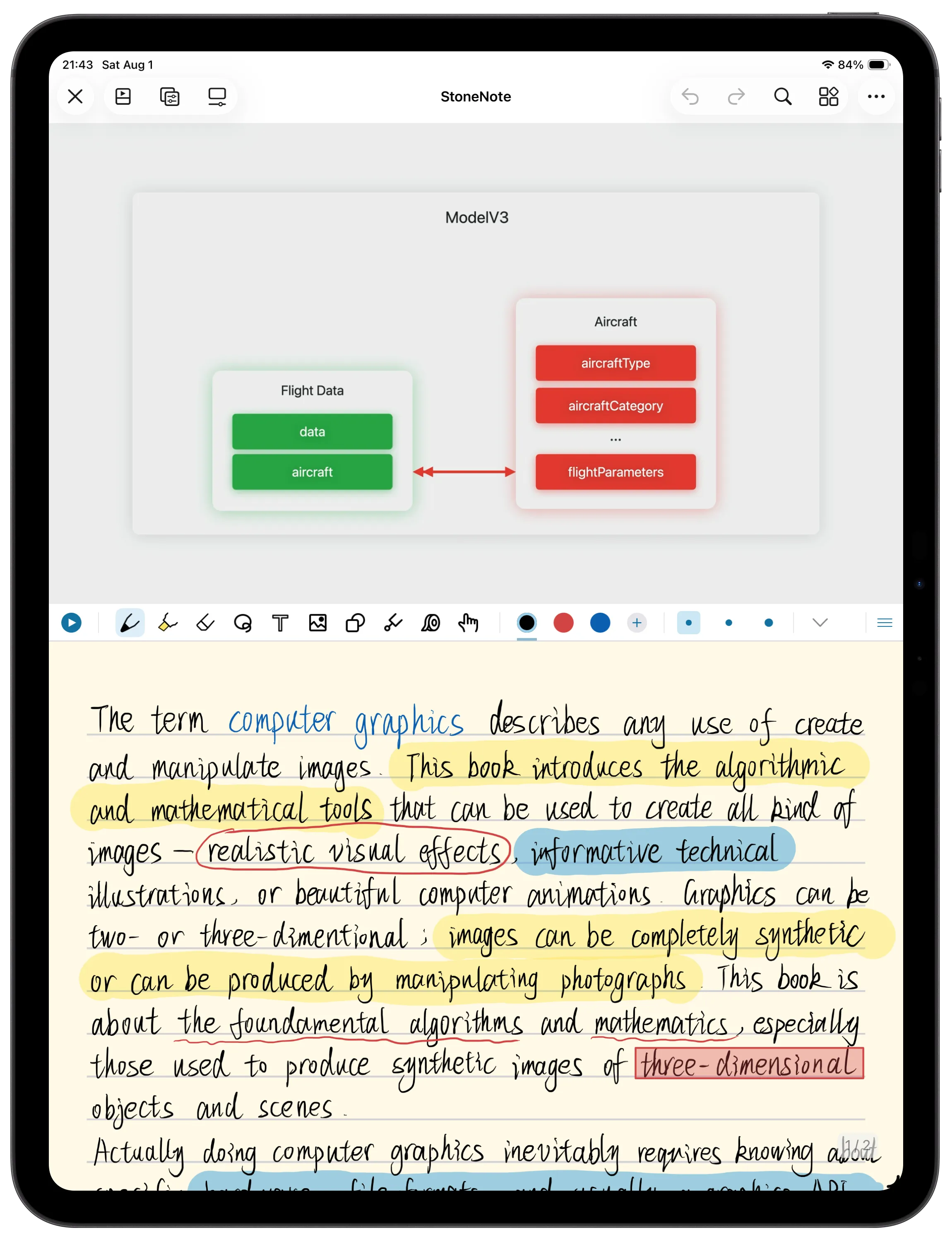
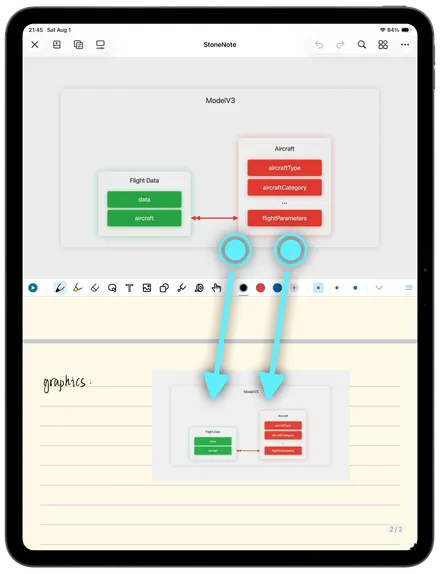
Screenshot workflow
Take a screenshot from the video with two fingers, then drag and resize it anywhere on the page.
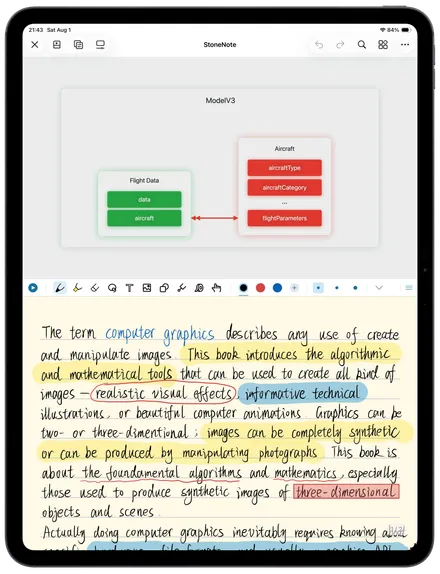
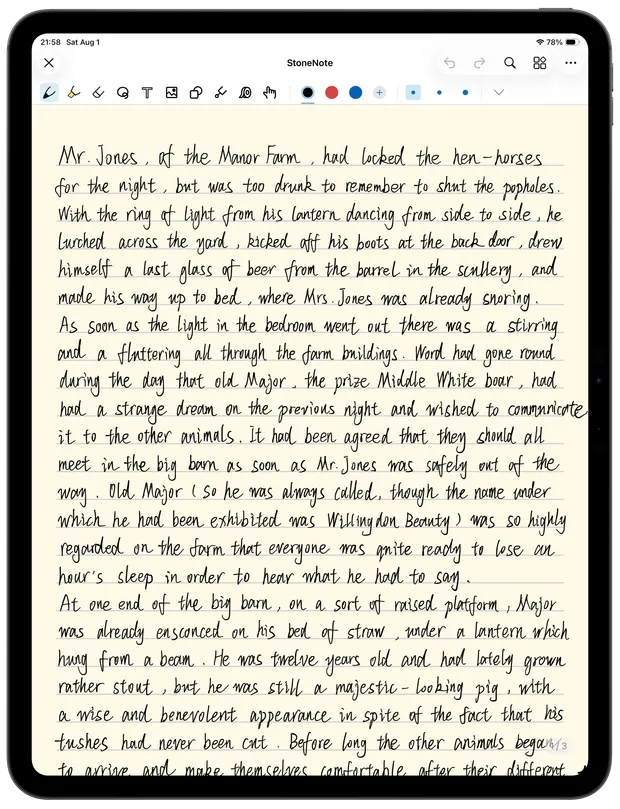
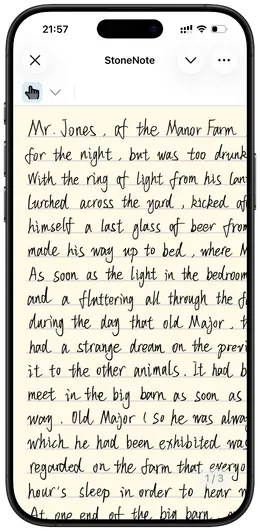
Vector ink
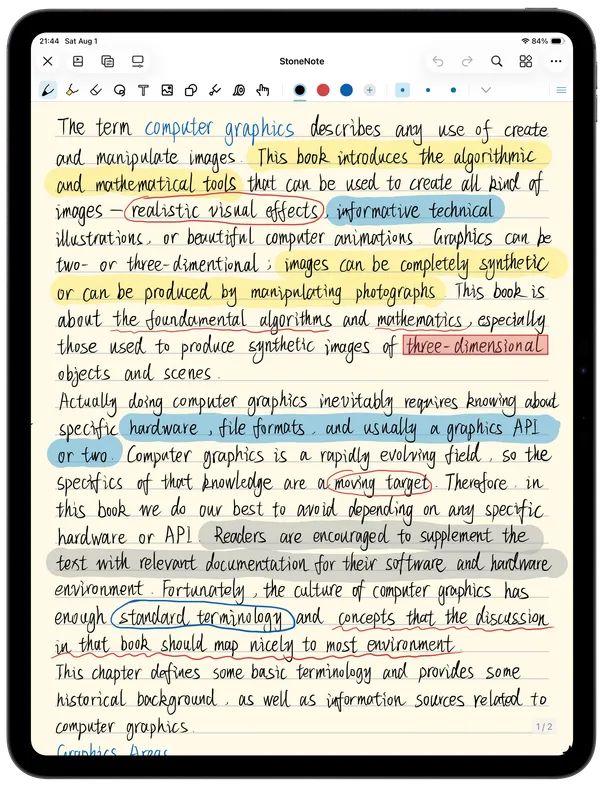
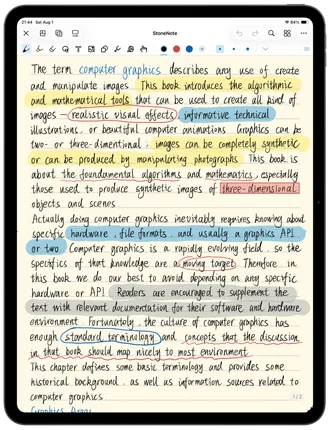
Write naturally with Apple Pencil. Choose from fountain pen, ballpoint pen, highlighter, colors, sizes, eraser, and lasso.
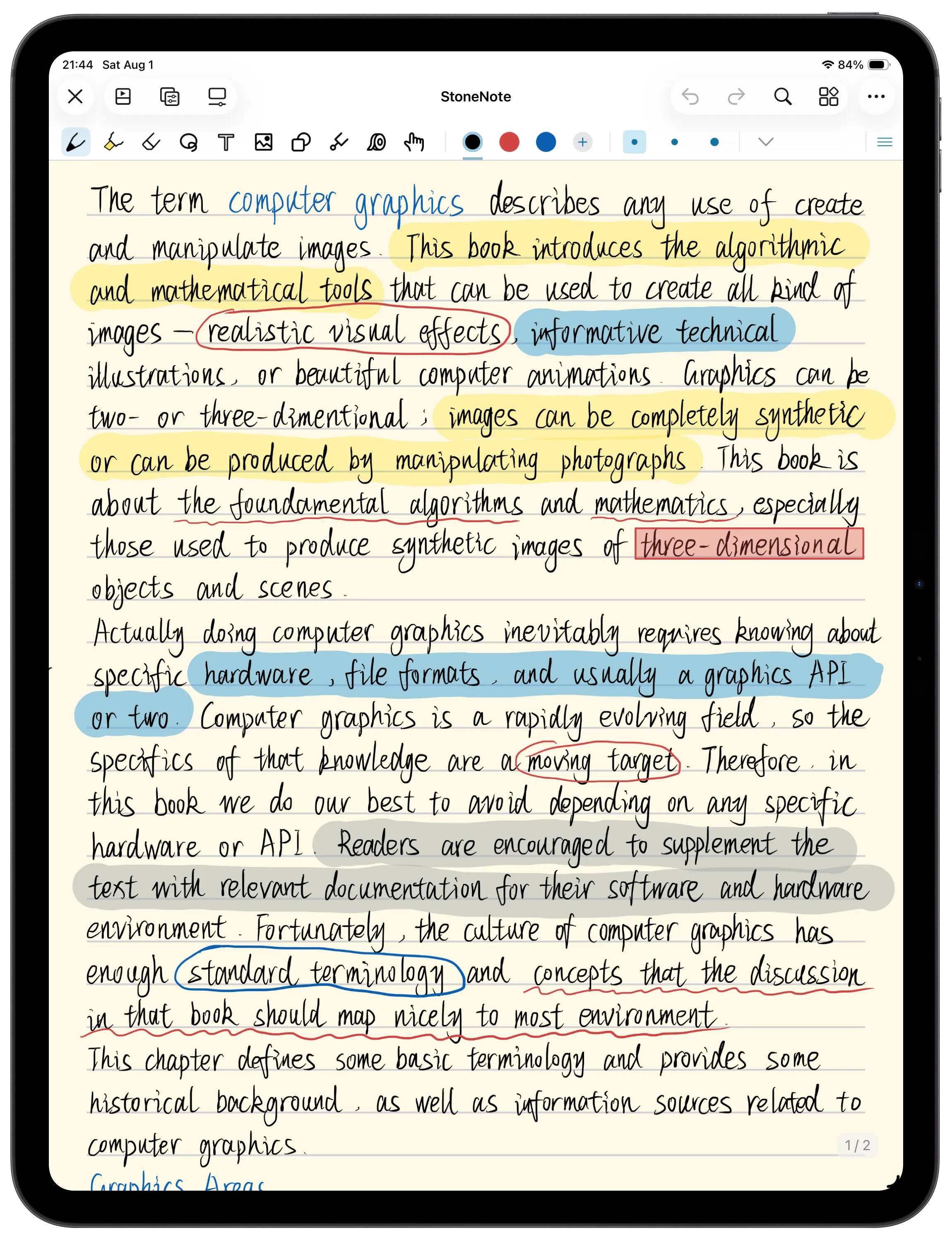
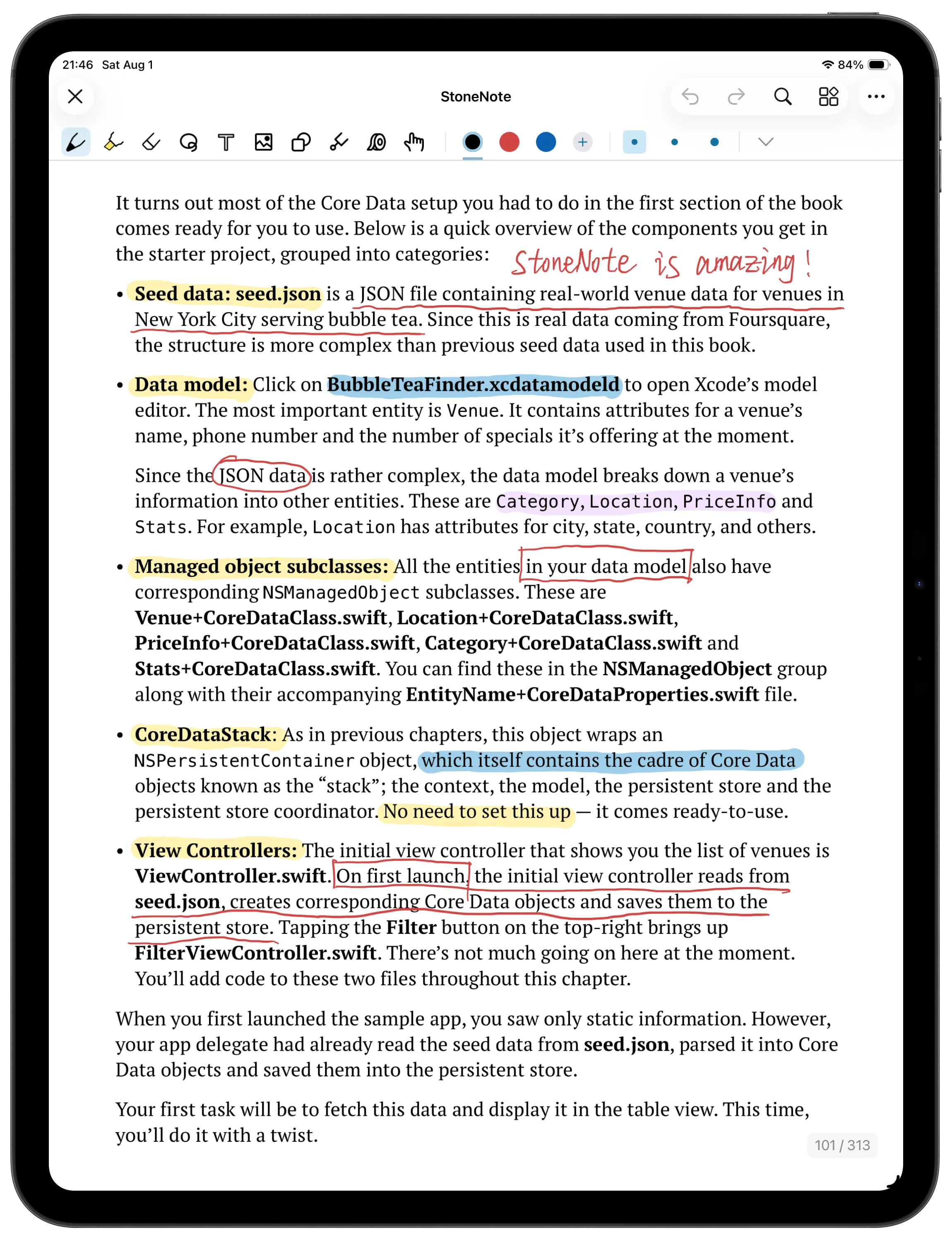
PDF annotation
Import PDFs and annotate directly. Highlight, underline, and add notes wherever you need.
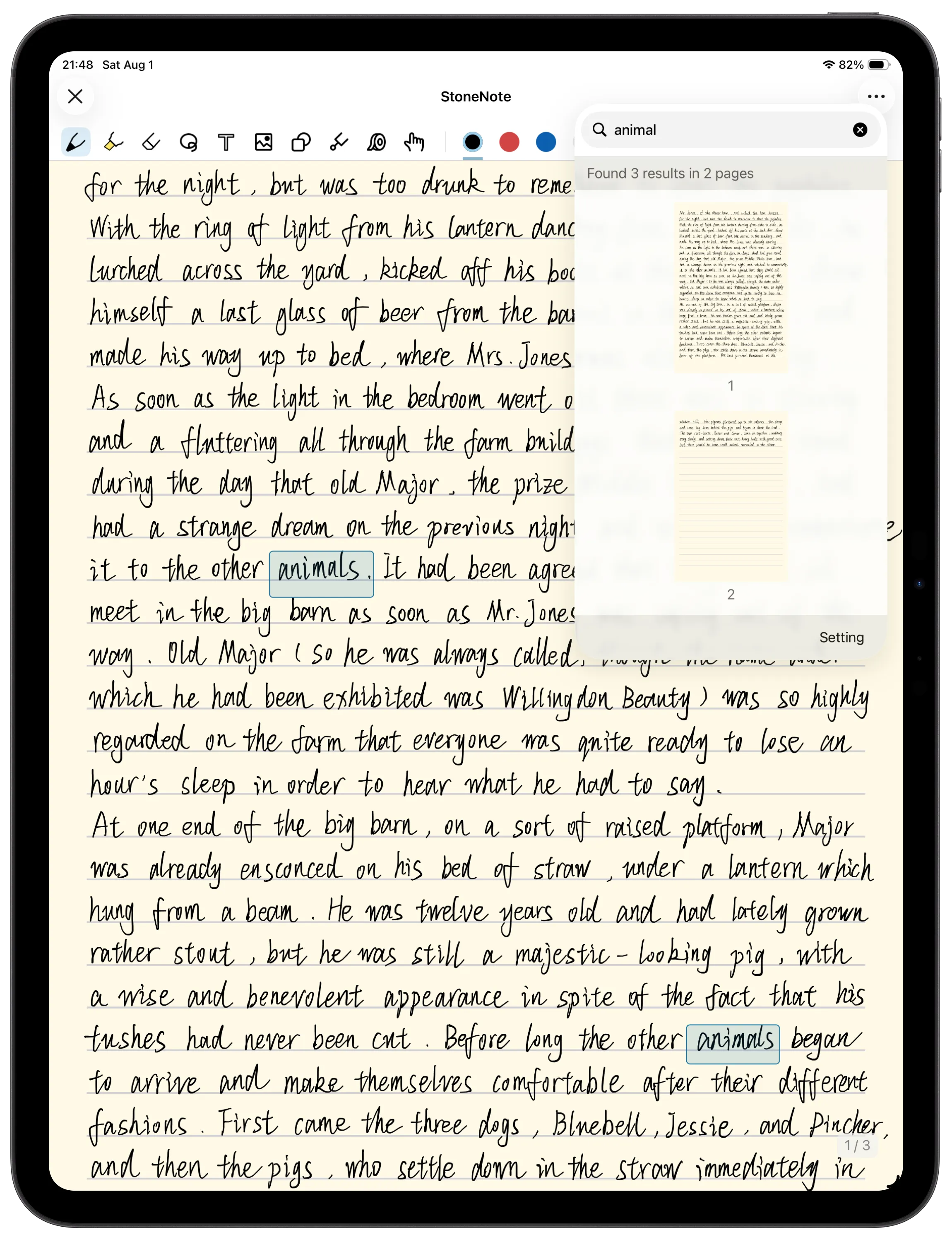
Handwriting search
Search your handwritten notes and jump right to it.
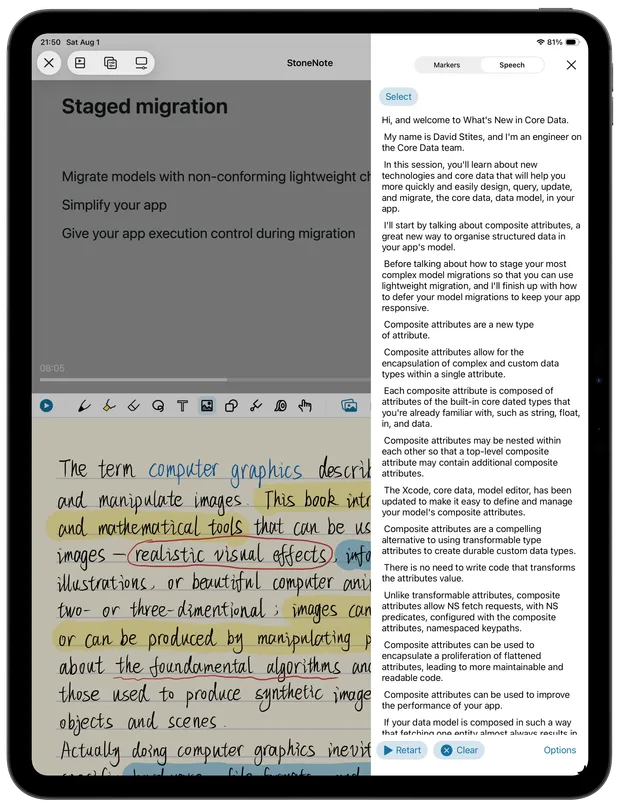
Markers & speech recognition
Add markers while watching. Speech recognition (Pro) helps you review spoken content.
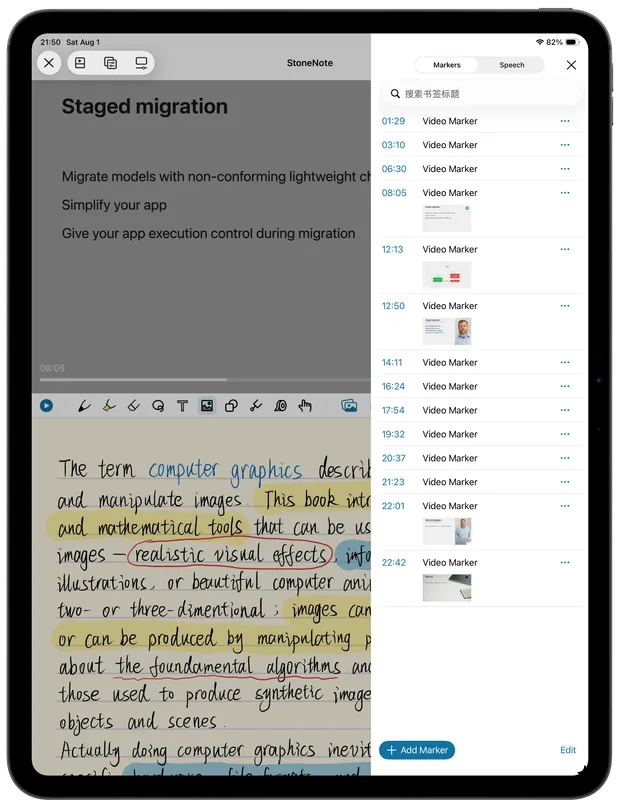
Tag key moments and jump back instantly while reviewing.
Turn spoken content into text so you can read, search, and review faster.
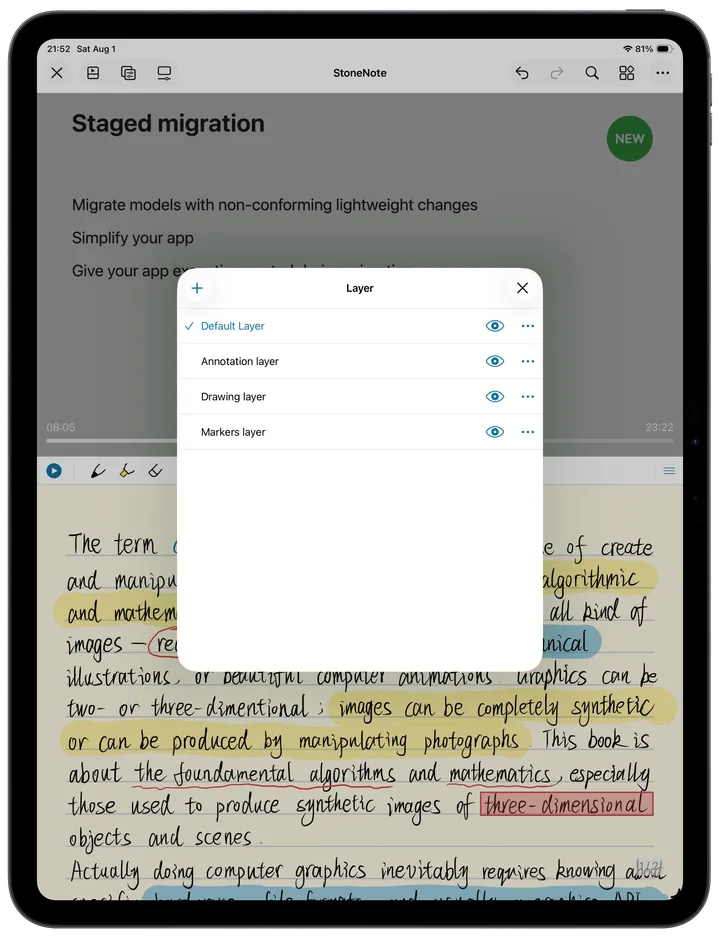
Layers & organization
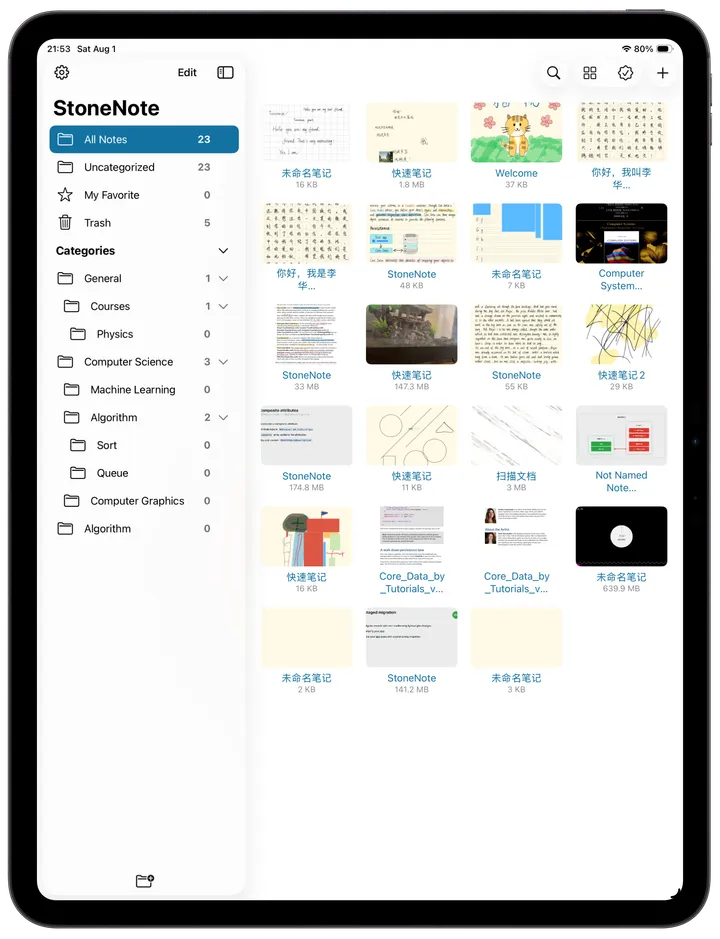
Use layers to separate ideas. Organize notebooks and notes your way.
Sync & export
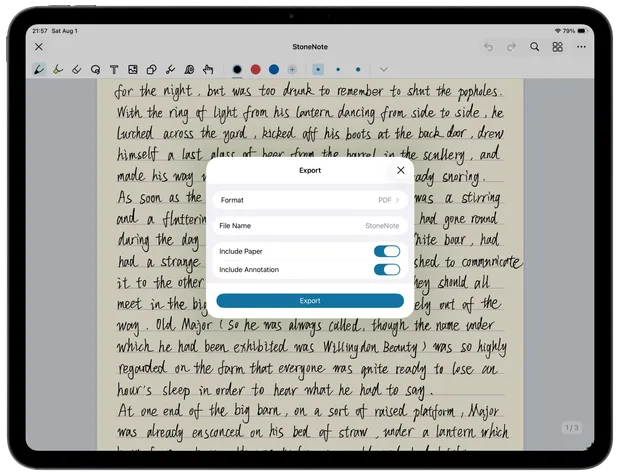
iCloud sync keeps notes up to date across devices. Export finished notes as PDF and share them with ease.
Use cases
Learn from lectures and tutorials.
Import slides, handouts, and notes.
Keep study sources together.
Build a personal knowledge base.
StoneNote Pro
A one-time upgrade for unlimited notes and iCloud sync.
FAQ
StoneNote supports iPhone and iPad running iOS or iPadOS 16.0 or later.
Use the video sources and import options available in the current public StoneNote app. If a file does not open, email support with its format and source.
While watching, use the two-finger capture gesture, then drag the captured frame into your note and resize it where you need it.
StoneNote Pro is presented as a one-time, non-consumable upgrade rather than a recurring subscription.
Yes. When iCloud sync is enabled, your notes can stay available across supported iPhone and iPad devices using the same iCloud account.
Use the restore-purchase option in StoneNote. If you still need help, email support@stone-note.com with your app version, device, system version, and reproduction steps.

Download